Learn How to Use RentAAA
Step-by-step video tutorials to help you manage your fleet, bookings, customers, invoices, payments and more.
What would you like to learn?
Select a category or search for a specific feature.

Initial Account Setup | RentAAA Pro
Learn how to complete your initial RentAAA Pro account setup.
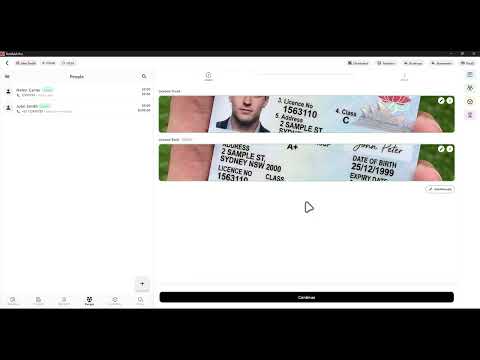
People Tab | RentAAA Pro
Learn to efficiently manage customers profiles from bookings, documents, balances, and preferences all in one central place.

Adding your First Inventory | RentAAA Pro
Learn how to efficiently create, update, organize, and manage inventory by setting details, statuses and advanced filters.

Short Term Bookings | RentAAA Pro
Learn how to quickly create accurate short-term bookings using preset profiles, automated pricing, customer and vehicle details, additional services, and calculated charges.

Long Term Booking | RentAAA Pro
Learn how to efficiently create and manage long-term bookings by configuring customers, inventory, pricing, rental options, contracts, and invoicing details.

Serve a Phone Booking | RentAAA Pro
Learn how to efficiently handle phone booking enquiries by checking vehicle availability, selecting rental profiles, and creating bookings directly from the calendar in RentAAA Pro.

Rental Profiles | RentAAA Pro
Learn how to create and manage Rental Profiles by configuring inventory, pricing, insurance, rental options, and default settings to streamline bookings and ensure consistency.

Expiry Records | RentAAA Pro
Learn how to efficiently manage expiry records, monitor upcoming renewals, update expiry dates, and maintain fleet compliance and rental readiness in RentAAA Pro.
No tutorials found
Try another search or select a different category.